
Understand DataBank
See how unused eligible data is banked and how the balance relates to current-cycle usage.
Before you start
- An eligible TalkONE service or Fleet pool
DataBank availability and carry-over depend on the service plan and provider processing.
Find the DataBank balance
Open a service or the account data view. The green DataBank line shows the banked balance separately from this cycle's included data.
Use the highlighted usage summary on the Service overview screen. Confirm the surrounding service or account details match before you continue.
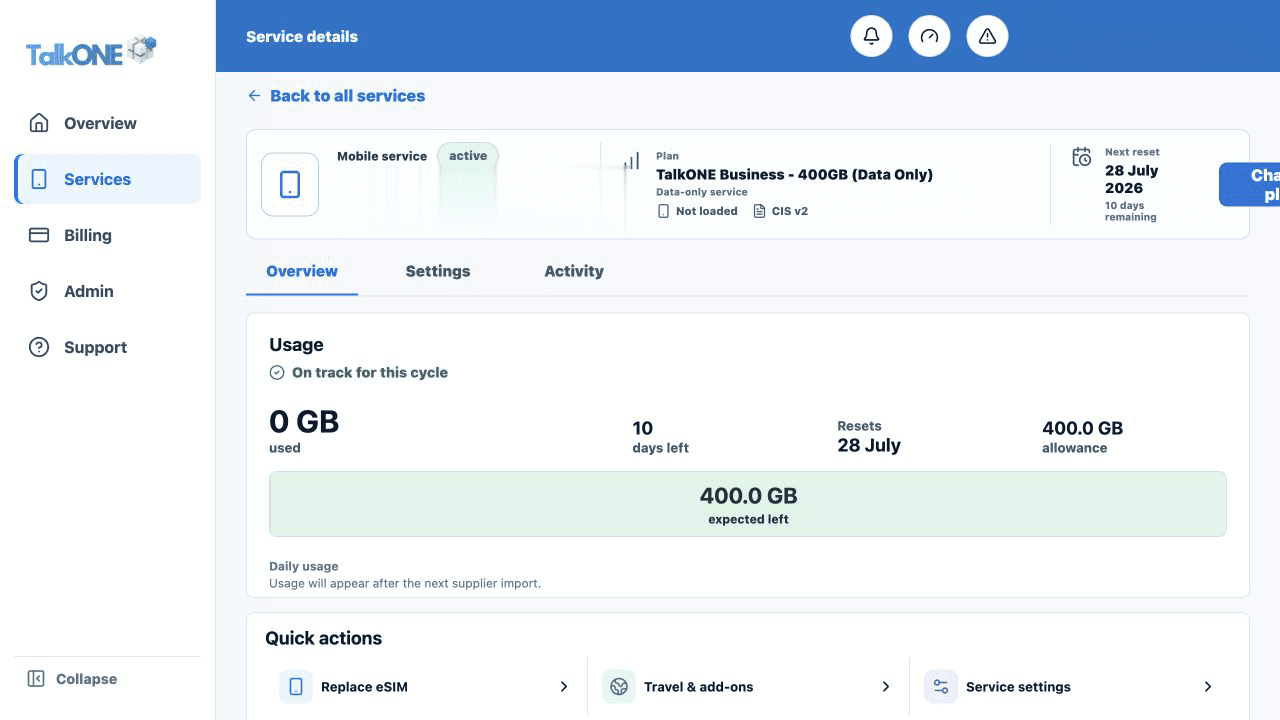
Read the current allowance first
The blue usage line is the current cycle. DataBank is additional eligible stored data and should not be added twice.
Use the highlighted usage summary on the Service overview screen. Confirm the surrounding service or account details match before you continue.
Check the maximum
The meter shows the current banked balance against the maximum supported by the product.
Use the highlighted plan data usage summary on the Usage & activity screen. Confirm the surrounding service or account details match before you continue.
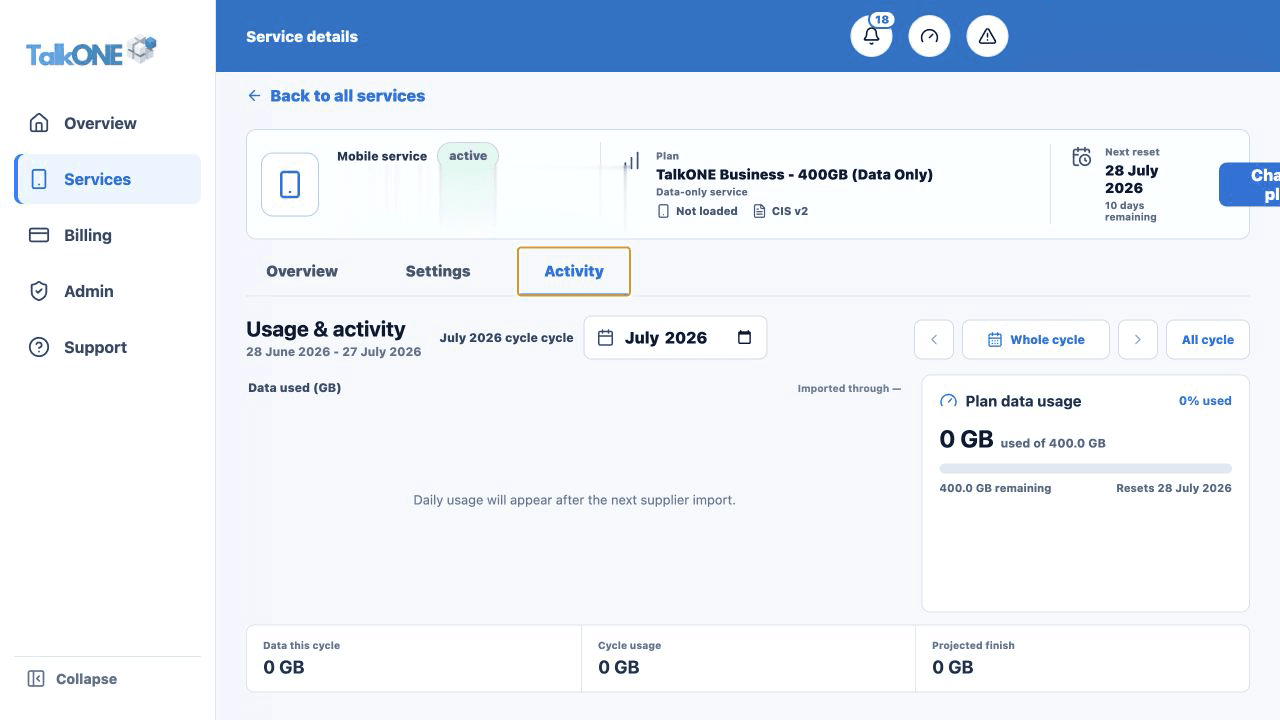
Review cycle changes
Banking and deductions can update after provider usage and billing-cycle processing arrives.
Use the highlighted billing month selector on the Usage & activity screen. Confirm the surrounding service or account details match before you continue.
Check your work
You can identify current-cycle data and banked data as two distinct values.