
Understand portal errors and request states
Know when to wait, refresh, correct information or contact support.
Before you start
- The exact error wording or request reference
Read the state
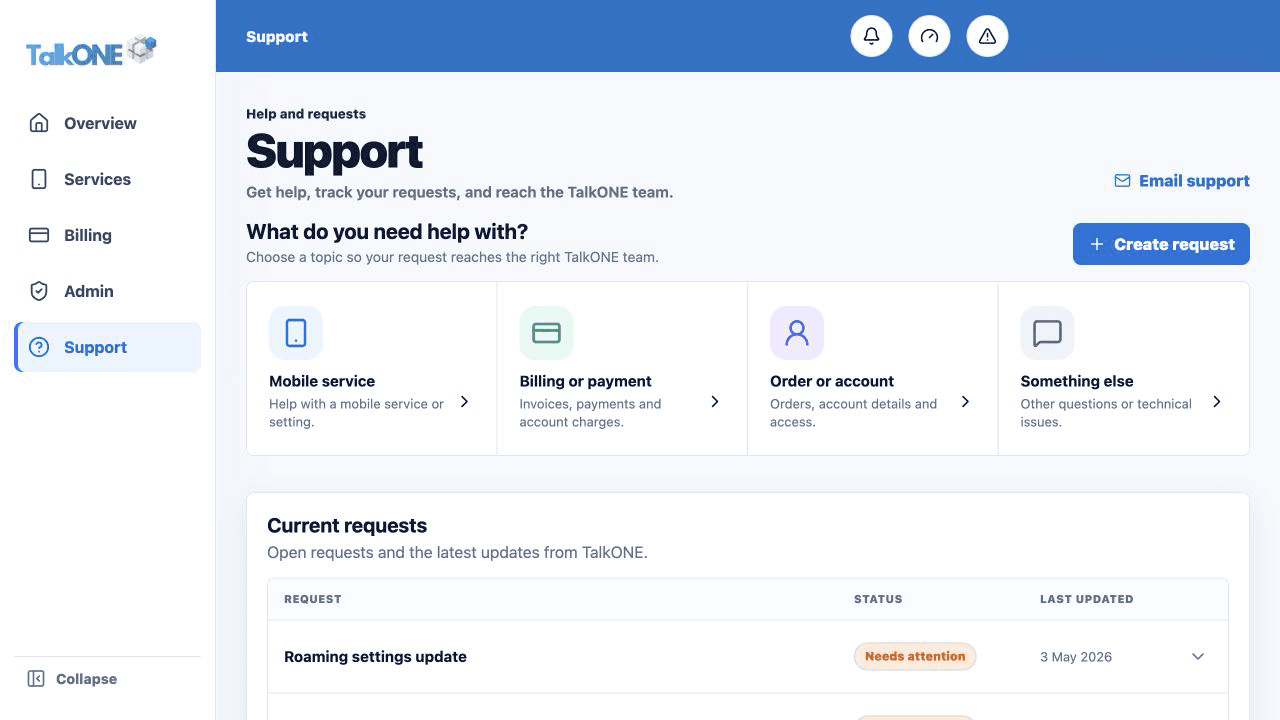
Submitted means TalkONE received the request. Processing means work is underway. Scheduled means it will act on the displayed date. Completed means the workflow finished.
Use the highlighted Current requests on the Support screen. Confirm the surrounding service or account details match before you continue.
Respond to Needs attention
Open the request and read the note. Correct the requested information or provide the missing detail.
Use the highlighted Needs attention status on the Support screen. Confirm the surrounding service or account details match before you continue.
Handle a page error
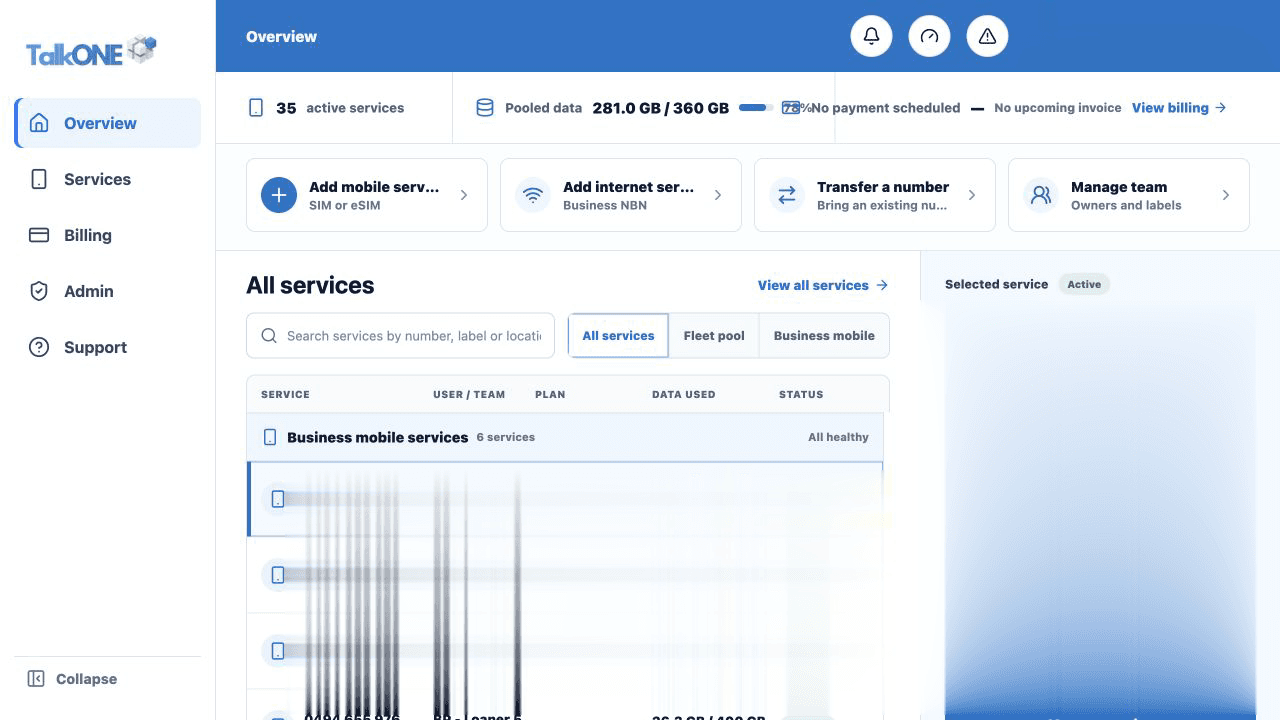
Copy the exact message, refresh once and confirm you are signed into the correct account. Avoid submitting the same order repeatedly.
Use the highlighted items needing attention on the Overview screen. Confirm the surrounding service or account details match before you continue.
Contact Support
If the error repeats, include the page, time, service or invoice reference and a screenshot with sensitive information removed.
Use the highlighted Create request on the Support screen. Confirm the surrounding service or account details match before you continue.
Check your work
The request progresses, or Support has enough information to identify the failure.