
Understand notification emails
Know which service, security, billing and request updates TalkONE sends.
Before you start
- A monitored account email address
Open Notifications
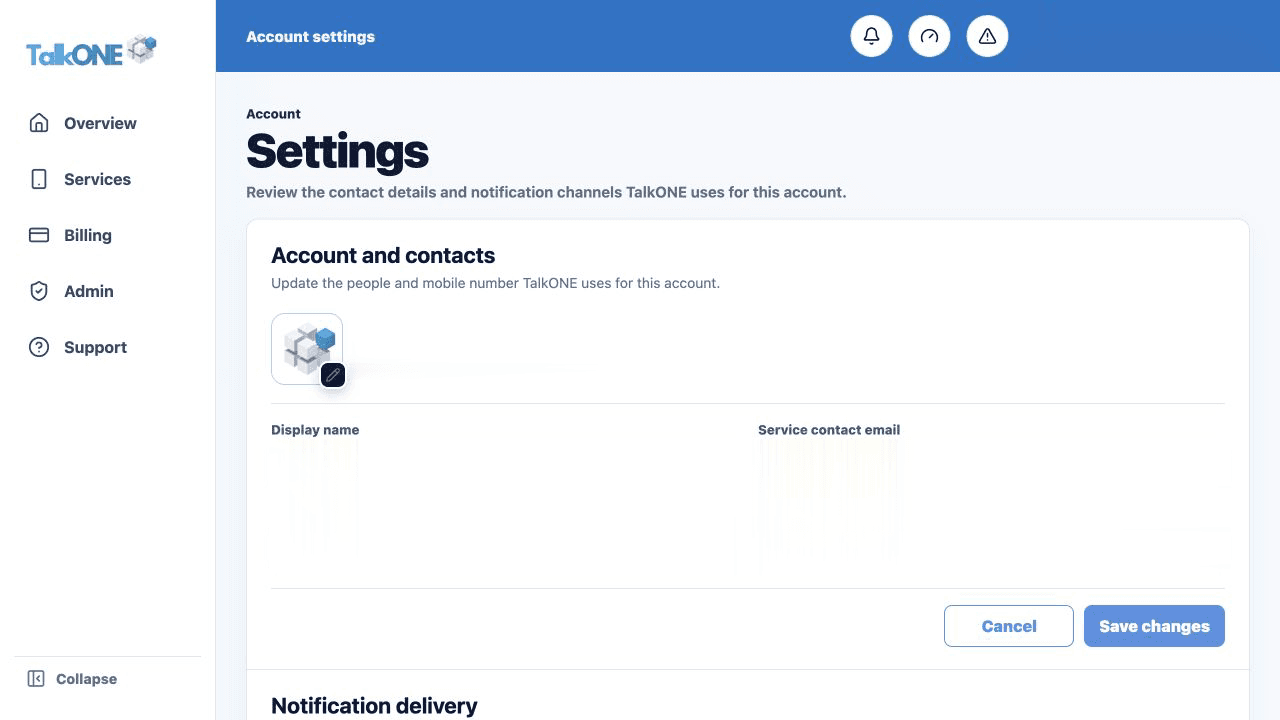
Settings shows the destination for service/security and billing email.
Use the highlighted notification delivery on the Account settings screen. Confirm the surrounding service or account details match before you continue.
Know the required messages
Security, contractual, service lifecycle and billing notices remain enabled so important account events are not missed.
Use the highlighted notification delivery on the Account settings screen. Confirm the surrounding service or account details match before you continue.
Recognise lifecycle updates
Orders, plan changes, cancellations, eSIM replacement and support requests can generate submitted, processing, scheduled, completed or failed updates.
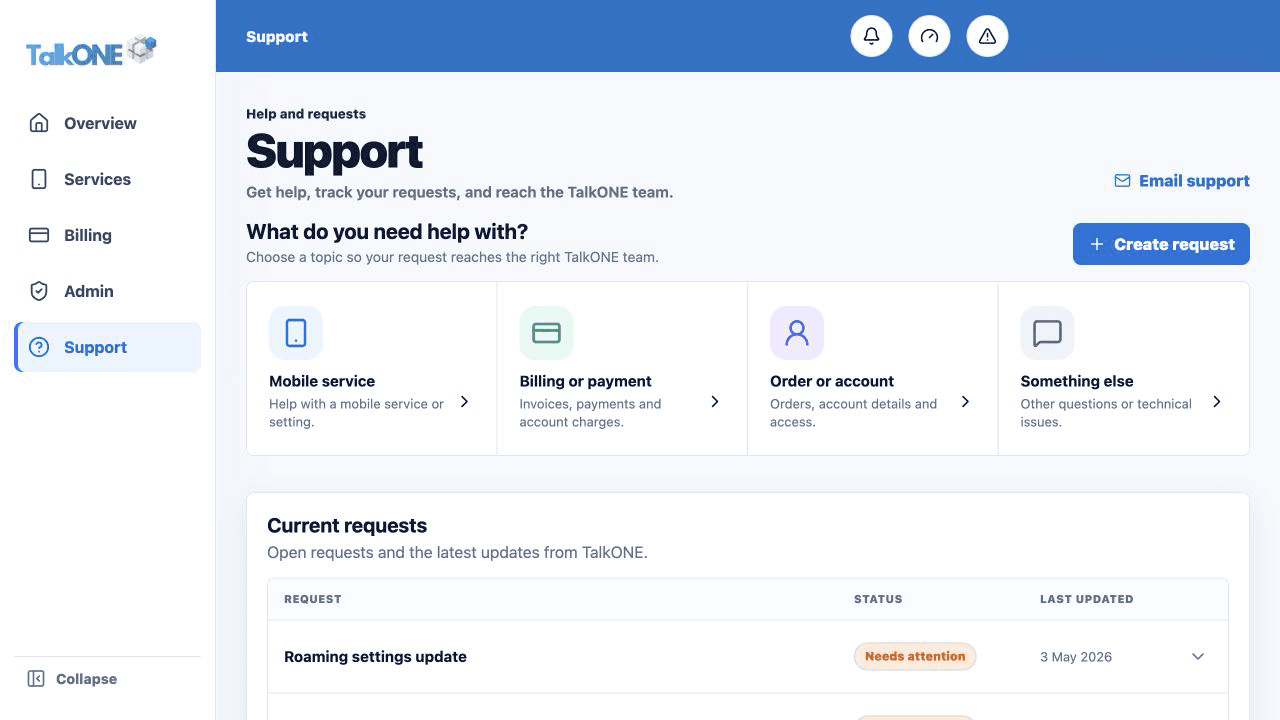
Use the highlighted Current requests on the Support screen. Confirm the surrounding service or account details match before you continue.
Check missing messages
Confirm the address, search spam/junk, allow the TalkONE sending domain and submit a support request if messages remain absent.
Use the highlighted Create request on the Support screen. Confirm the surrounding service or account details match before you continue.
Check your work
Settings shows monitored destinations for the required notification channels.