
Understand a mobile service
Read the service summary, plan, usage, DataBank and current service status.
Before you start
- Access to at least one service
Open Services
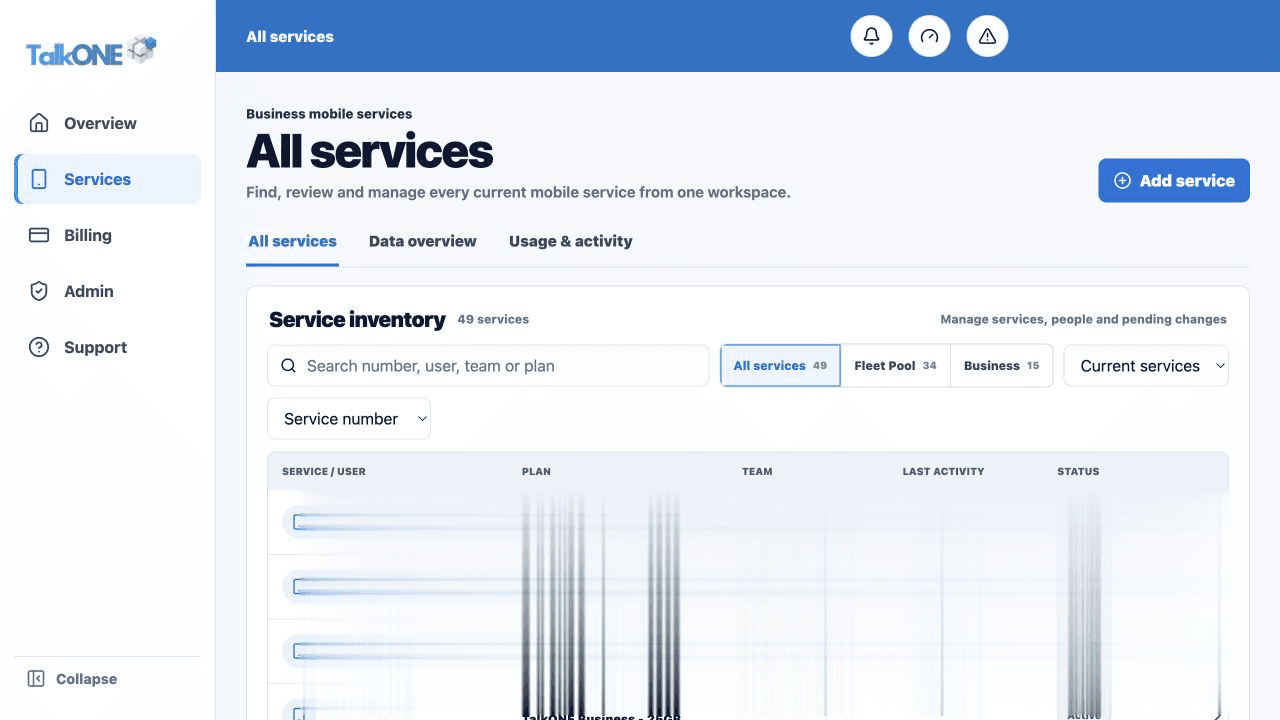
Choose Services in the main navigation, then select a mobile number or service label.
Use the highlighted service inventory row on the All services screen. Confirm the surrounding service or account details match before you continue.
Read the service header
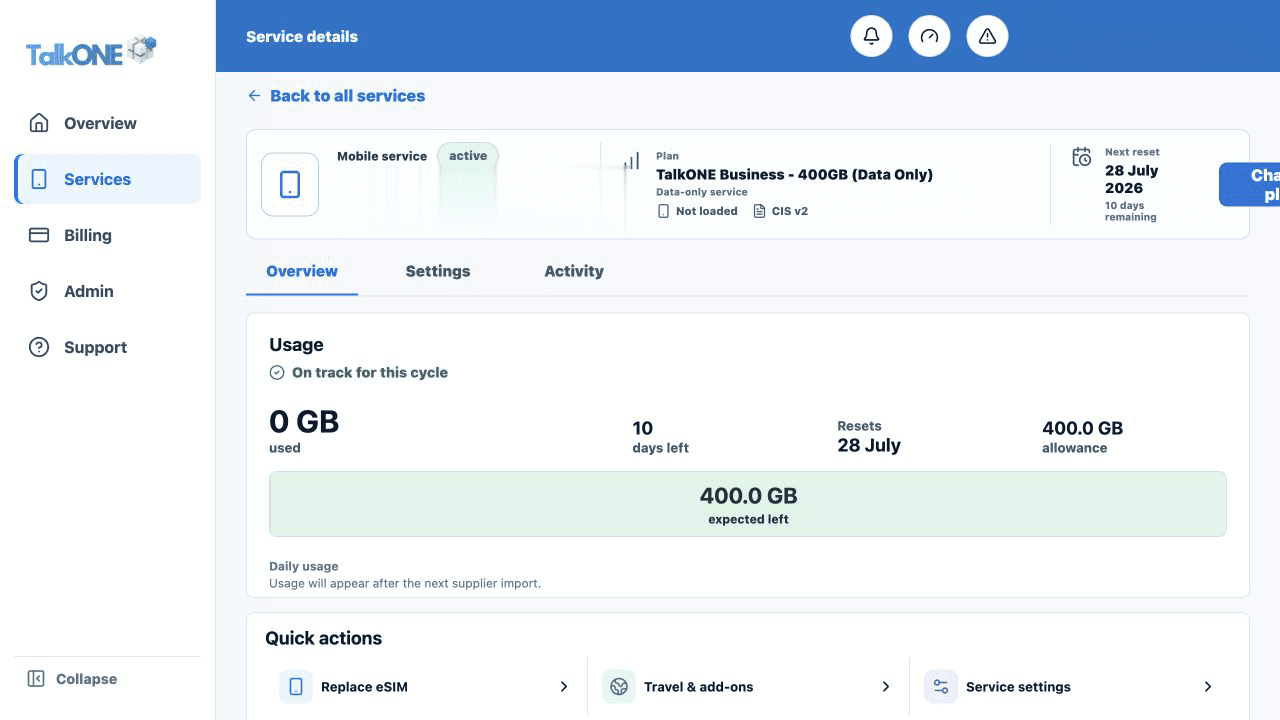
The header identifies the number, assigned user, plan and SIM type. The status pill shows whether the service is active.
Use the highlighted service number, user and plan on the Service overview screen. Confirm the surrounding service or account details match before you continue.
Review usage
The usage card combines data used, allowance, forecast, DataBank balance, calls and messages for the selected billing cycle.
Use the highlighted usage summary on the Service overview screen. Confirm the surrounding service or account details match before you continue.
Use the service tabs
Overview shows the summary, Usage & activity contains detailed records, and Settings contains calling and service controls.
Use the highlighted Overview, Settings and Activity tabs on the Service overview screen. Confirm the surrounding service or account details match before you continue.
Check your work
The service number and assigned user match the service you intended to open.