
Troubleshoot calls, messages or mobile data
Run safe first checks and collect the details TalkONE needs if the problem continues.
Before you start
- The affected phone
- Another phone or Wi-Fi if available
Check the service status
Open the service and confirm it is active with no pending cancellation or unresolved order.
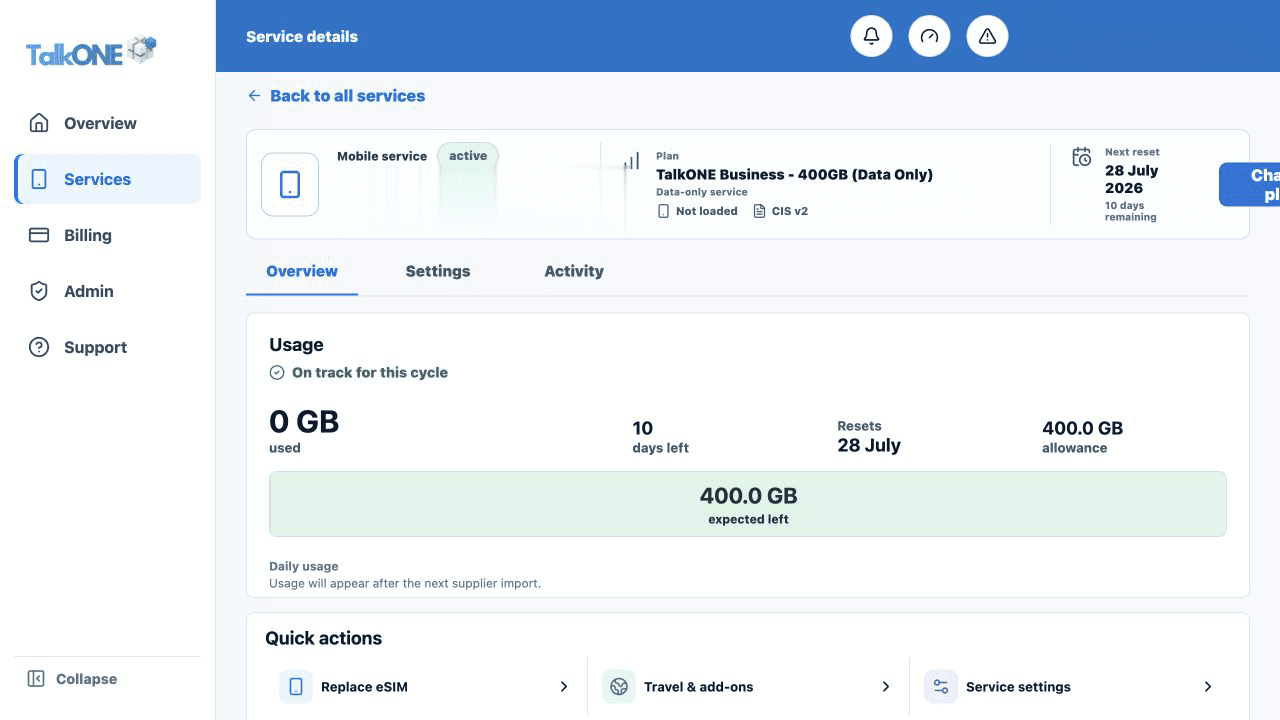
Use the highlighted service number, user and plan on the Service overview screen. Confirm the surrounding service or account details match before you continue.
Refresh the phone connection
Toggle flight mode on for 20 seconds, turn it off, then restart the phone.
Use the highlighted usage summary on the Service overview screen. Confirm the surrounding service or account details match before you continue.
Check phone settings
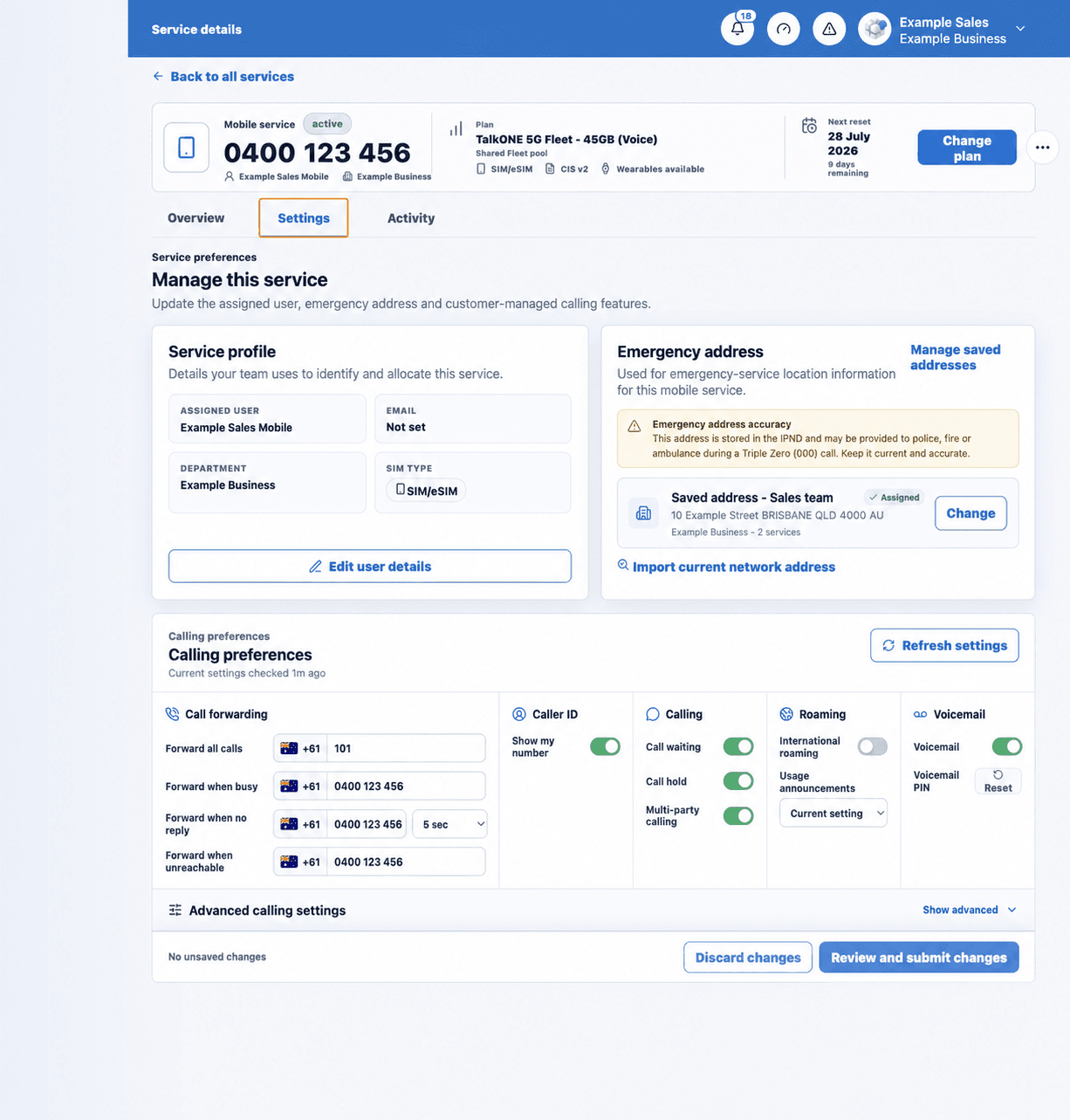
Confirm the TalkONE line is enabled, mobile data is selected correctly and data roaming is only enabled when appropriate.
Use the highlighted calling feature controls on the Calling preferences screen. Confirm the surrounding service or account details match before you continue.
Test one feature at a time
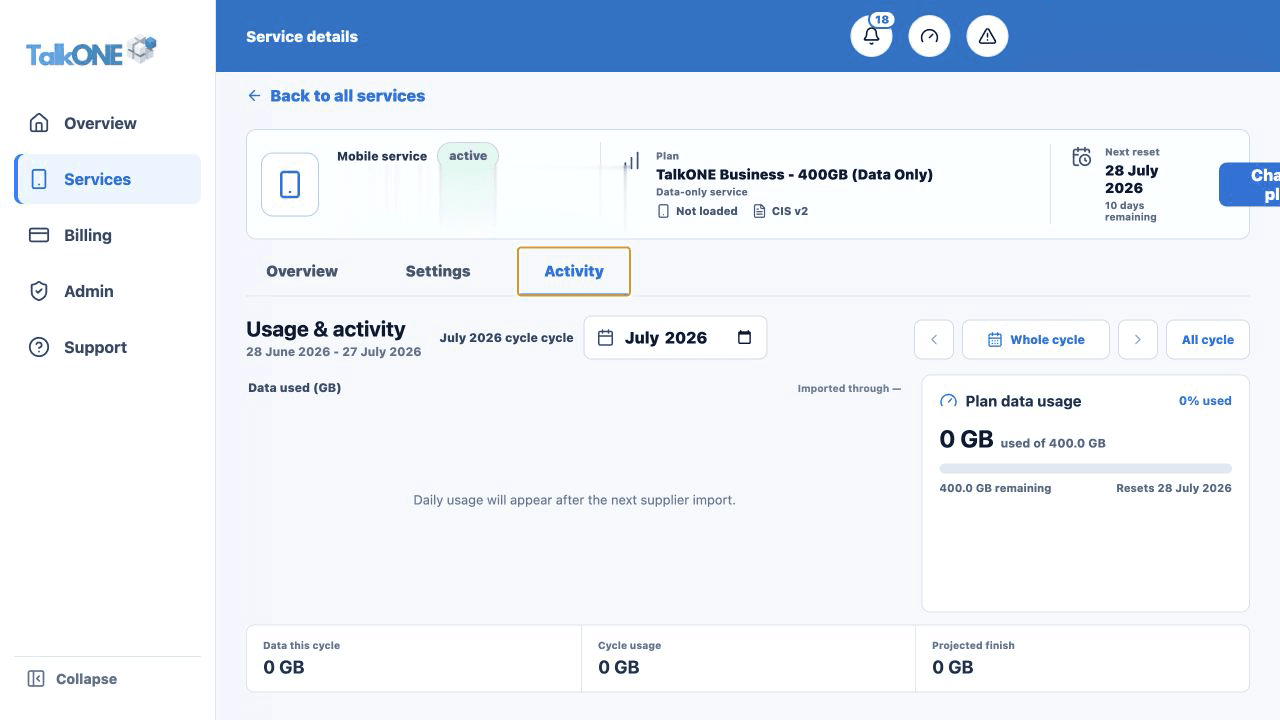
Test an outgoing call, incoming call, SMS and mobile data separately. Record which tests fail and the time.
Use the highlighted cycle activity totals on the Usage & activity screen. Confirm the surrounding service or account details match before you continue.
Submit a detailed request
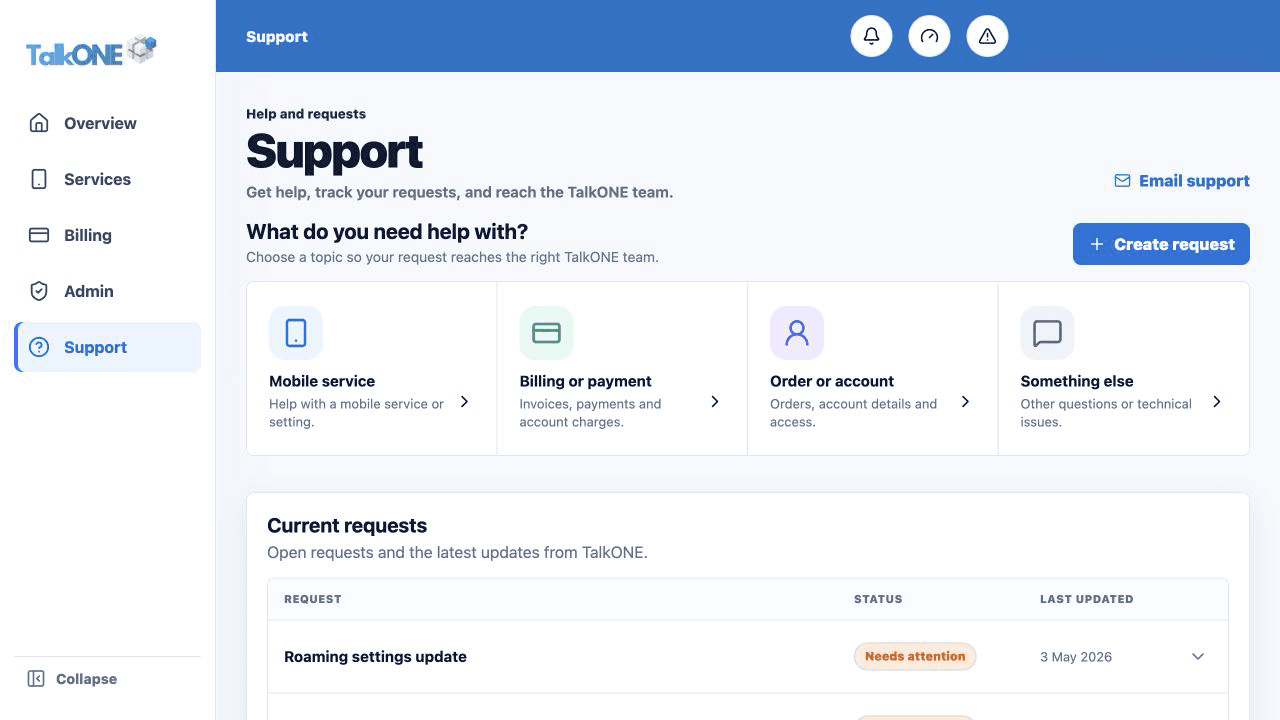
Include the service number, device model, location, time, error wording and tests completed.
Use the highlighted Create request on the Support screen. Confirm the surrounding service or account details match before you continue.
Check your work
The affected feature works, or Support has a precise request that can be investigated.