
Download or print an invoice
Create the print-ready PDF that matches the web invoice without duplicated interactive sections.
Before you start
- Billing access
- A generated invoice
Open the invoice
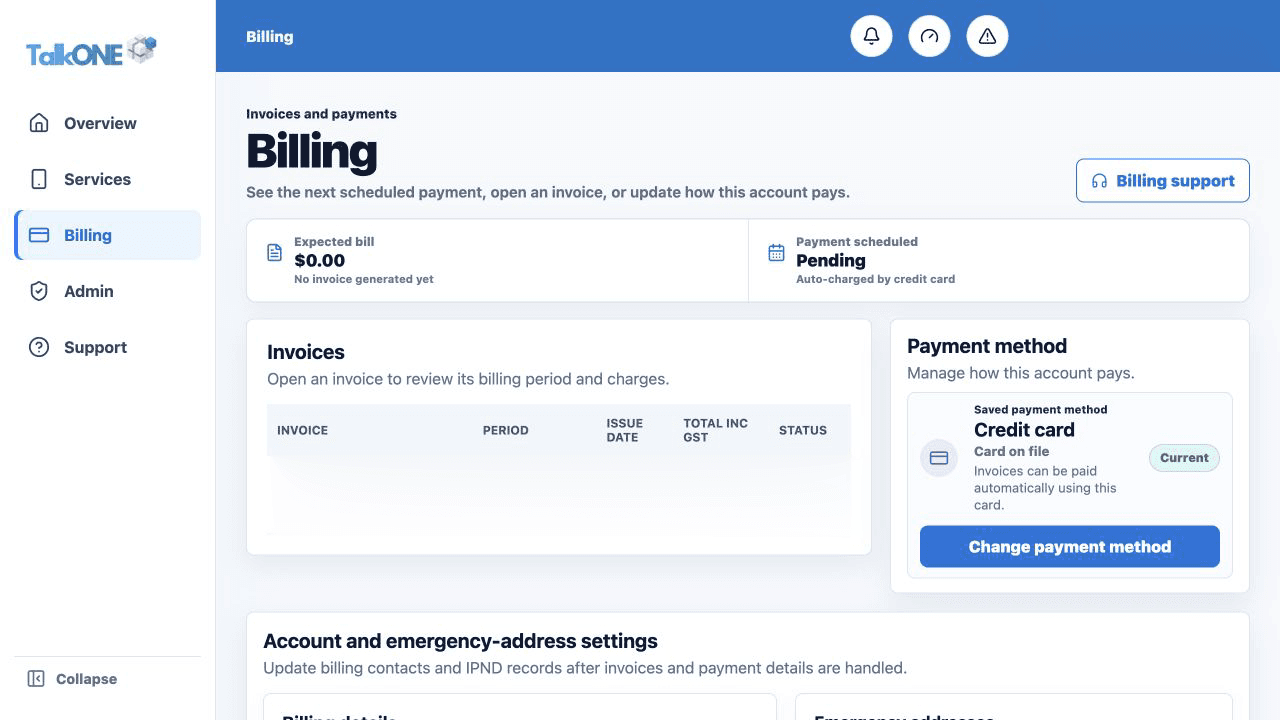
Choose Billing, then select the required invoice.
Use the highlighted Invoices list on the Billing screen. Confirm the surrounding service or account details match before you continue.
Choose Download PDF
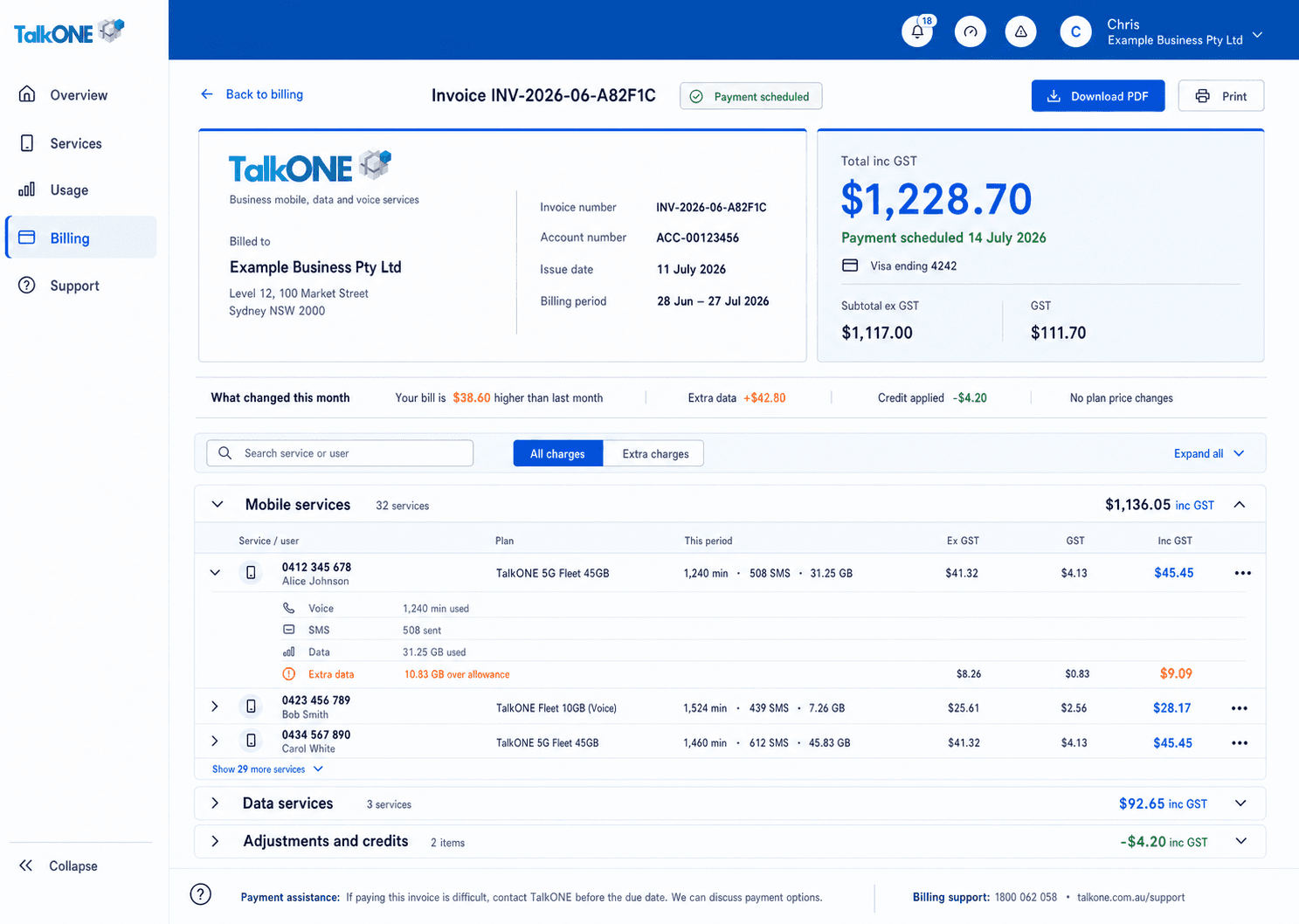
Use the PDF action rather than printing the browser page. The generated document is formatted for A4.
Use the highlighted Download PDF on the Invoice screen. Confirm the surrounding service or account details match before you continue.
Check the document
Confirm account branding, service icons, usage blocks, page breaks, totals and payment details are visible.
Use the highlighted invoice and amount summary on the Invoice screen. Confirm the surrounding service or account details match before you continue.
Print or save
Use your PDF viewer to print or save a copy. Keep invoices in an access-controlled location.
Use the highlighted Download PDF on the Invoice screen. Confirm the surrounding service or account details match before you continue.
Check your work
The PDF has the same invoice content as the web view and no duplicated collapsible web summaries.