
Use the services data overview
Compare every service's data usage, allowance, health and DataBank contribution in one place.
Before you start
- Access to multiple mobile services
Open Services
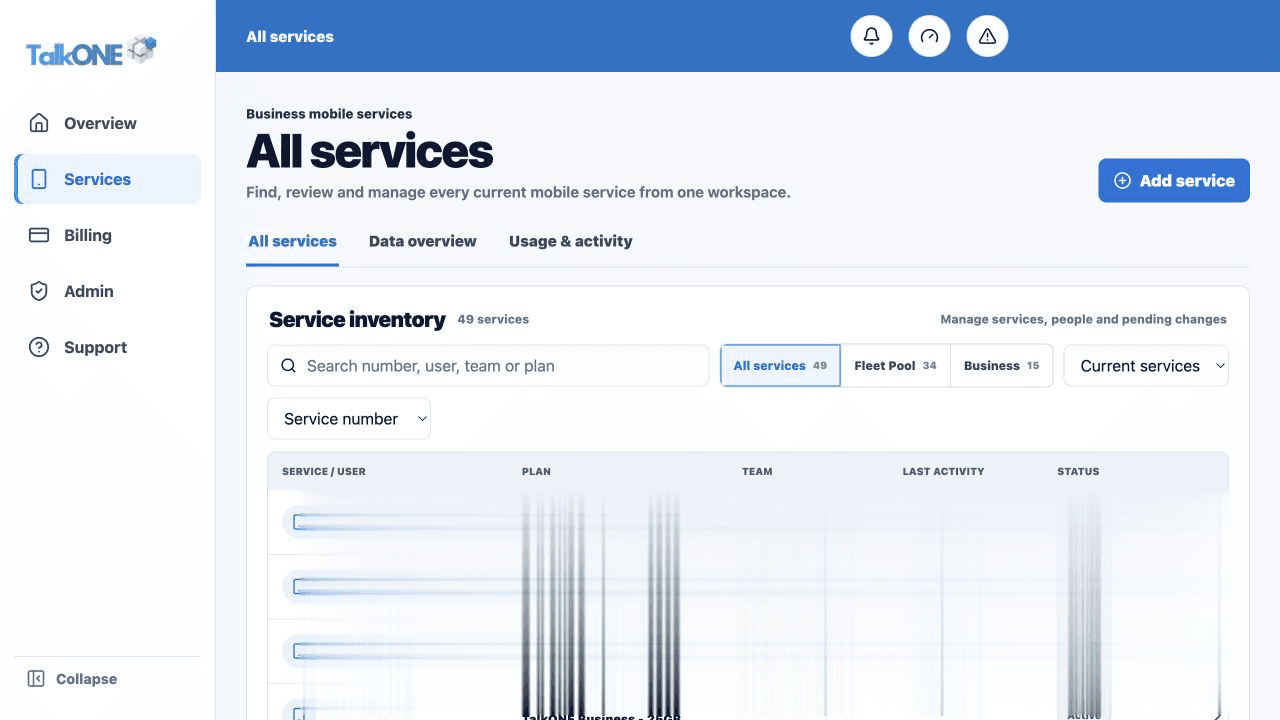
Choose the Data view to compare mobile data across the account.
Use the highlighted service view tabs on the All services screen. Confirm the surrounding service or account details match before you continue.
Scan the usage lines
Each row shows data used against allowance. The status indicates whether usage is healthy or needs review.
Use the highlighted service inventory row on the All services screen. Confirm the surrounding service or account details match before you continue.
Read DataBank context
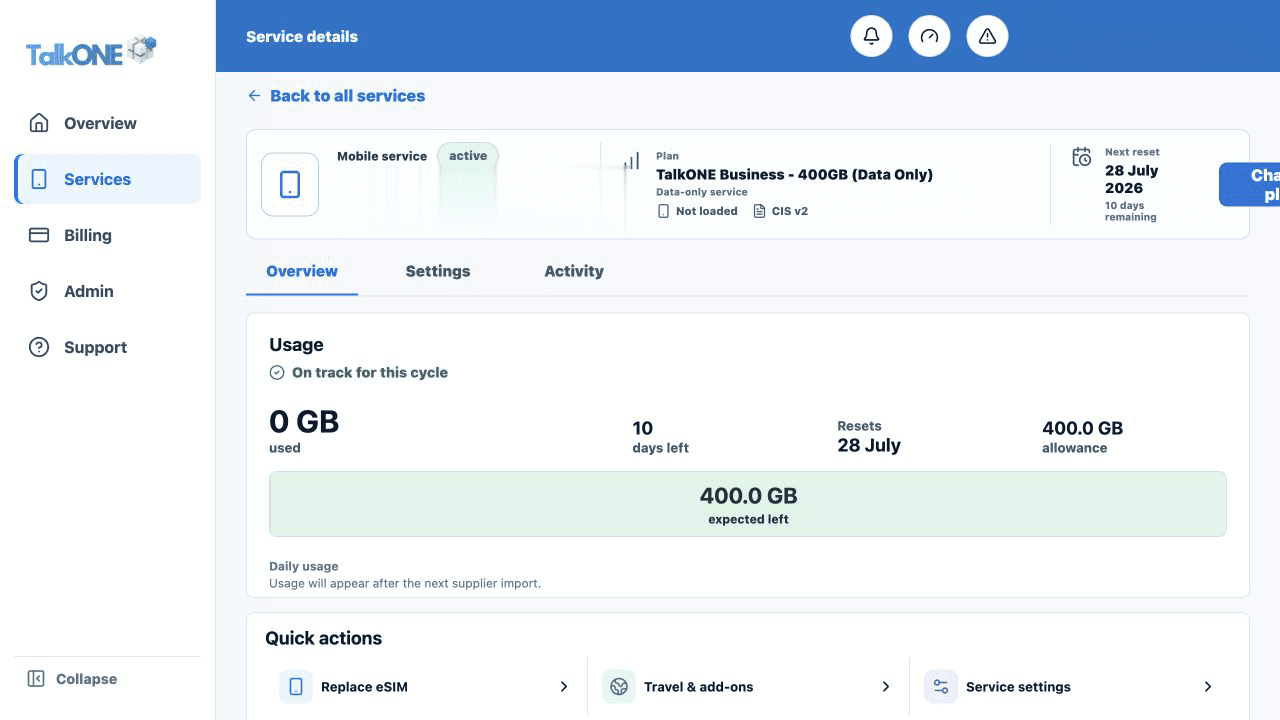
The banked-data line indicates the account or service contribution without replacing the current-cycle allowance.
Use the highlighted usage summary on the Service overview screen. Confirm the surrounding service or account details match before you continue.
Open the sidecar
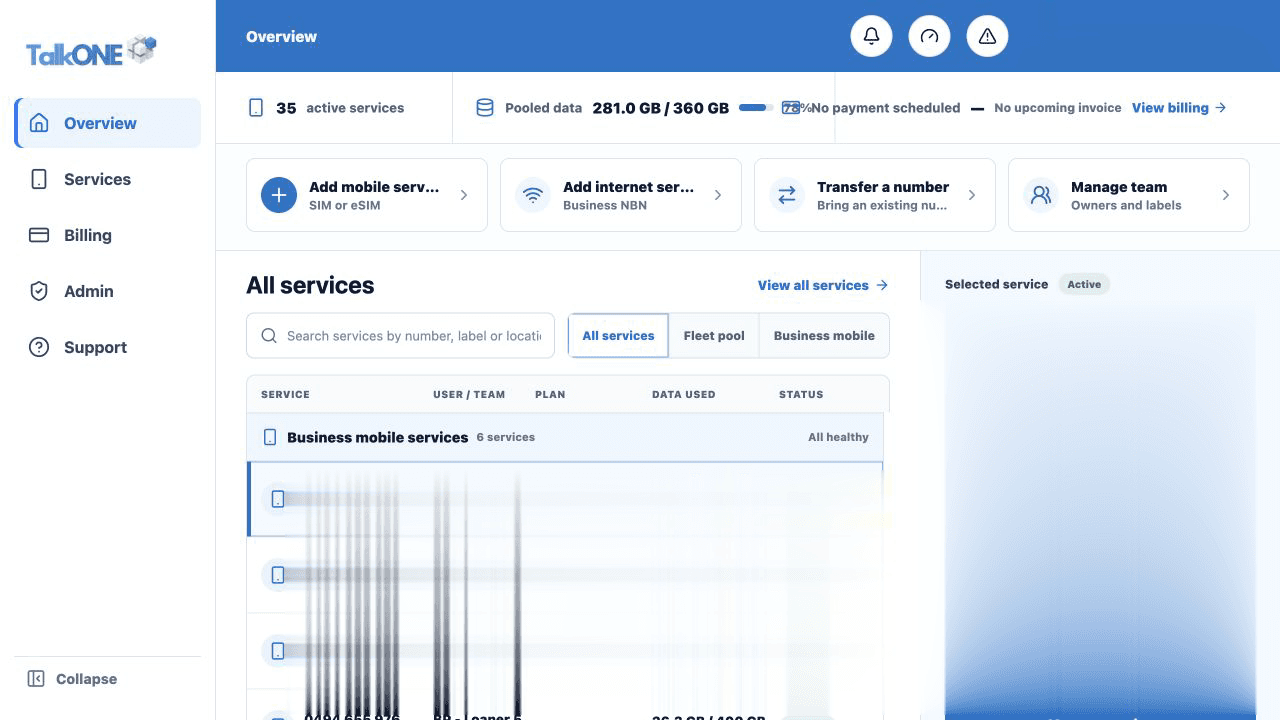
Select a service to see its detailed usage and DataBank visual while keeping the service list scrollable.
Use the highlighted account identity and service context on the Overview screen. Confirm the surrounding service or account details match before you continue.
Check your work
The list and selected-service sidecar use the same billing month.