
Sign in and access your account
Sign in securely, recover access and confirm you are working in the right account.
Before you start
- The email address registered with TalkONE
- Access to that email inbox
TalkONE staff will never ask for your password.
Open the portal
Go to portal.talkone.au and enter your registered email address and password.
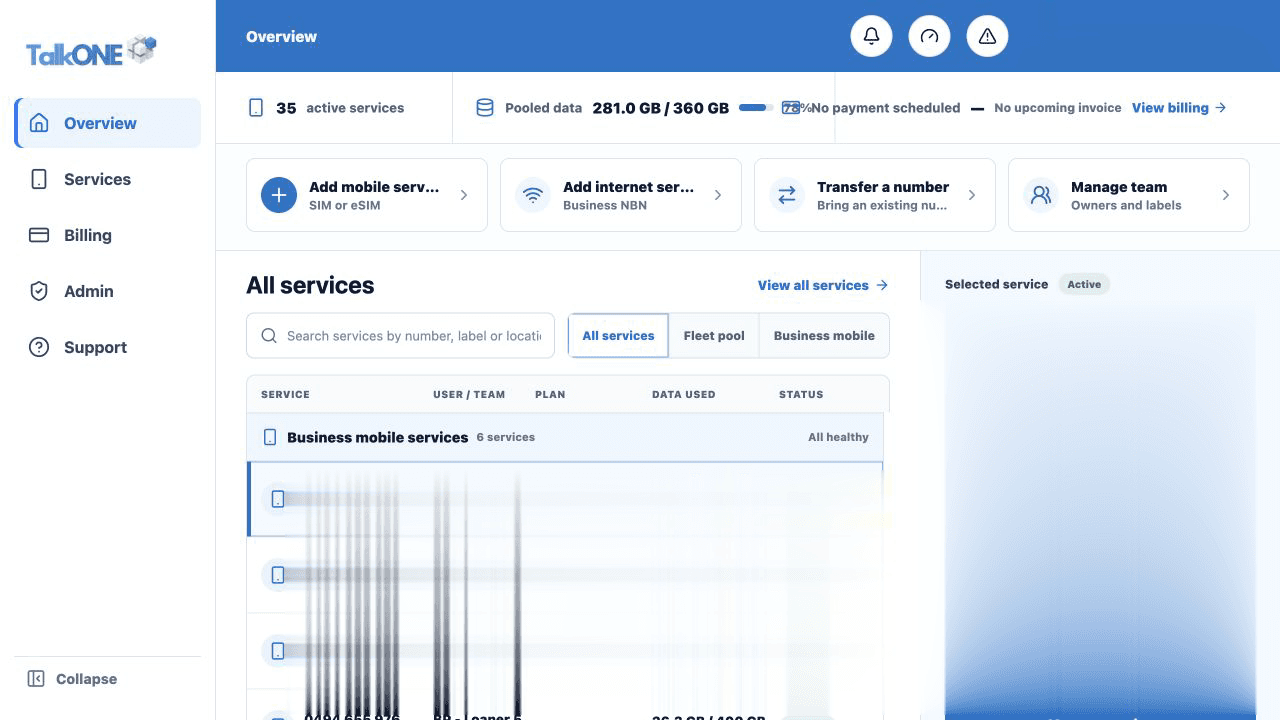
Use the highlighted account summary on the Overview screen. Confirm the surrounding service or account details match before you continue.
Recover a forgotten password
Choose Forgot password, enter the same email address, then use the newest recovery email. Recovery links are time-limited.
Use the highlighted main navigation on the Overview screen. Confirm the surrounding service or account details match before you continue.
Complete security checks
If a security check is requested, follow the on-screen verification steps. Never share a verification code with another person.
Use the highlighted items needing attention on the Overview screen. Confirm the surrounding service or account details match before you continue.
Confirm your account
Check the account name in the sidebar before viewing invoices or changing a service.
Use the highlighted account identity and service context on the Overview screen. Confirm the surrounding service or account details match before you continue.
Check your work
The blue sidebar shows your name, organisation and the pages your role can access.