
Understand prorata and adjustments
Read partial-period charges, credits and one-off invoice adjustments.
Before you start
- An invoice containing an adjustment or partial billing period
Find the affected service
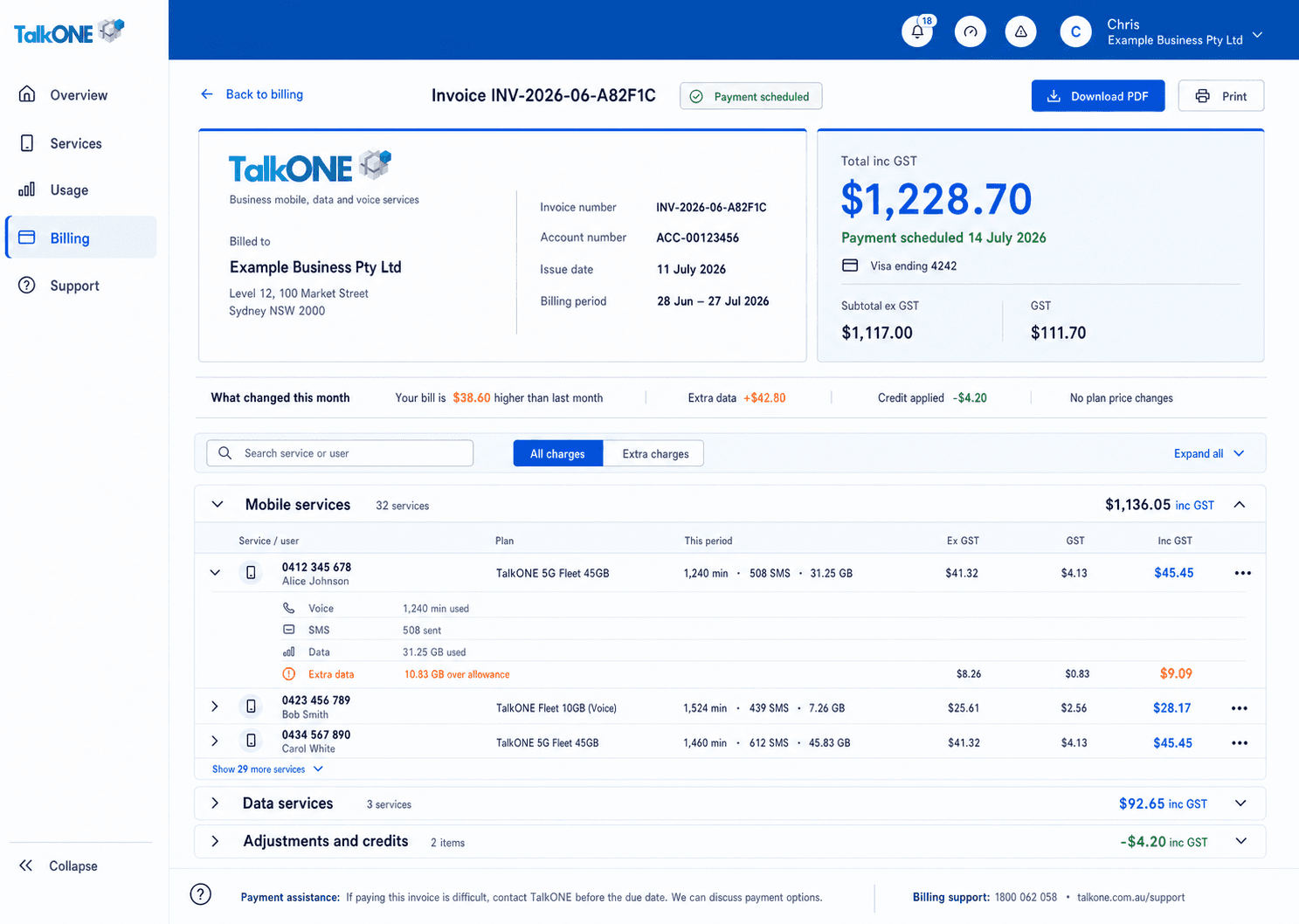
Open the invoice and locate the service with the prorata or adjustment label.
Use the highlighted service charges and usage on the Invoice screen. Confirm the surrounding service or account details match before you continue.
Check period consistency
If a prorata period is shown, it applies consistently to the relevant service lines. Normal full-cycle lines do not show an unnecessary date.
Use the highlighted service charges and usage on the Invoice screen. Confirm the surrounding service or account details match before you continue.
Separate charge types
Recurring plan charges, prorata, credits and usage charges are listed separately so the subtotal can be checked.
Use the highlighted Adjustments and credits on the Invoice screen. Confirm the surrounding service or account details match before you continue.
Ask about an unexplained line
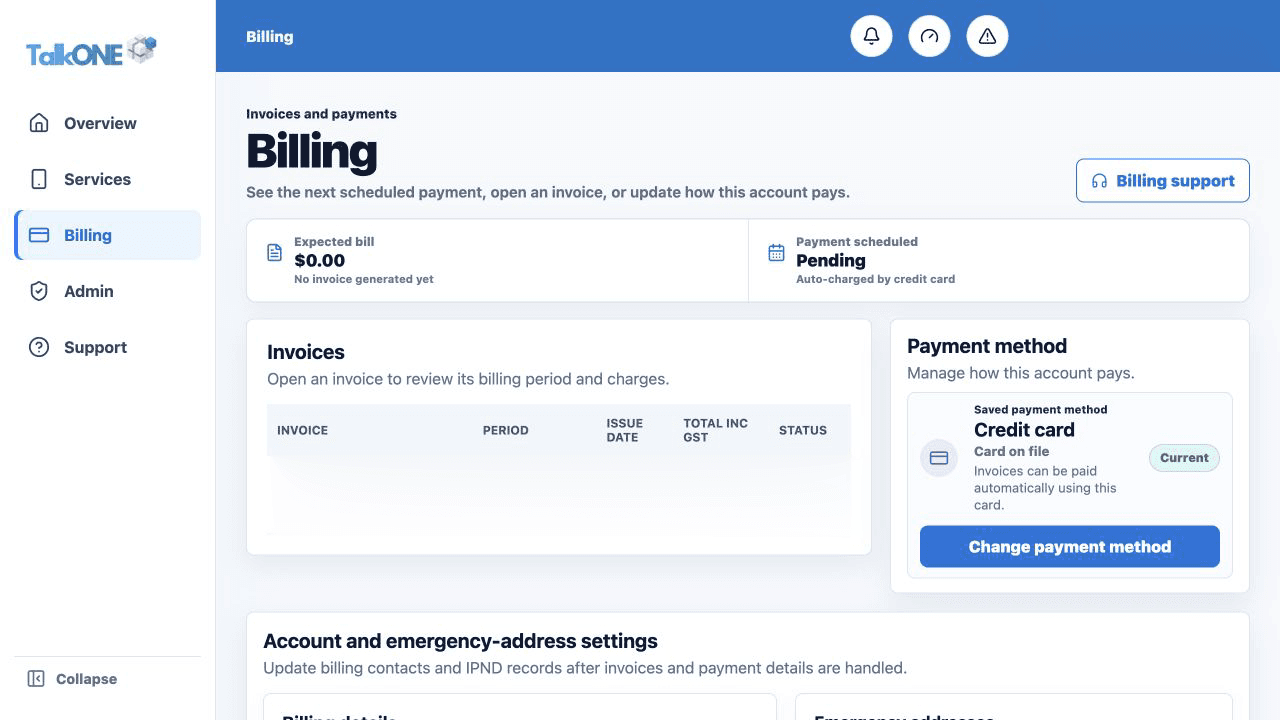
Submit a billing support request with the invoice number and line description—never payment credentials.
Use the highlighted Billing support on the Billing screen. Confirm the surrounding service or account details match before you continue.
Check your work
The affected line explains the reason or billing period and the amount is included once in the subtotal.