
Complete your account setup
Finish the first-time setup for contacts, payment details and emergency information.
Before you start
- An account owner or billing role
- Business contact and billing details
- A payment method
IPND information may be provided to emergency responders during a 000 call and must be accurate.
Review account contacts
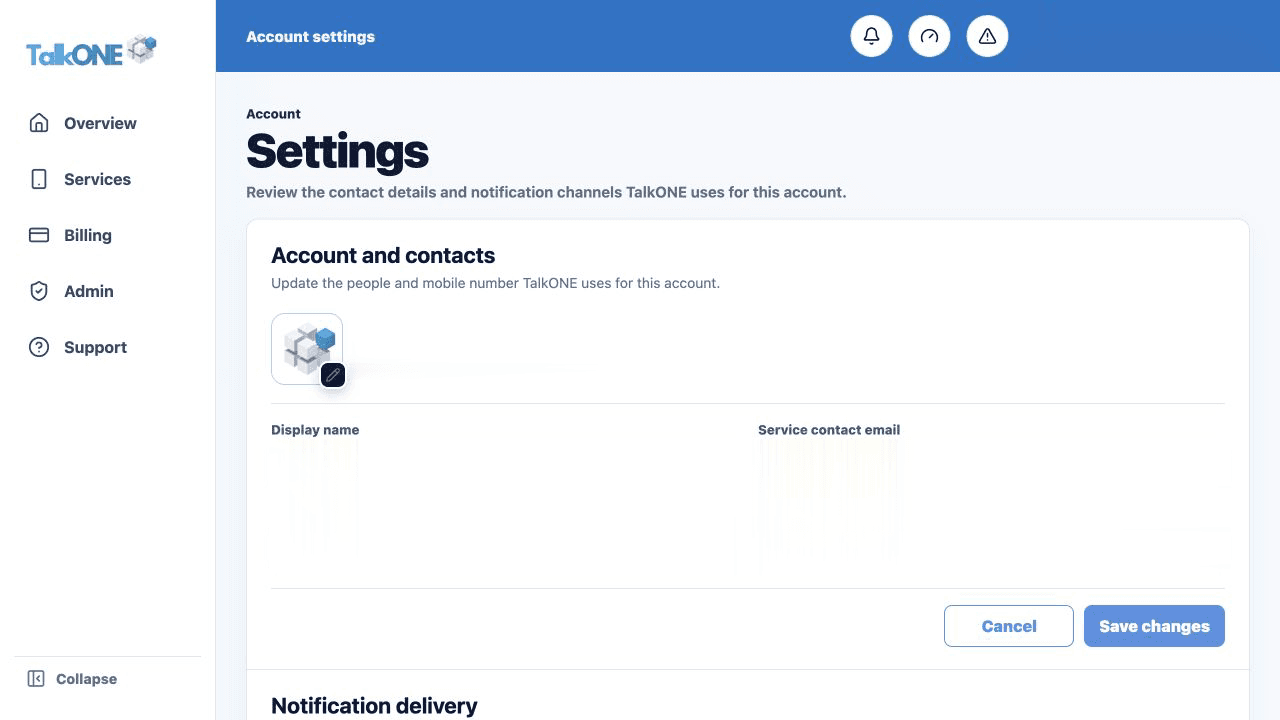
Open Settings and check the business, service contact, billing contact and mobile number. These details are used for important messages.
Use the highlighted account and contact fields on the Account settings screen. Confirm the surrounding service or account details match before you continue.
Add a payment method
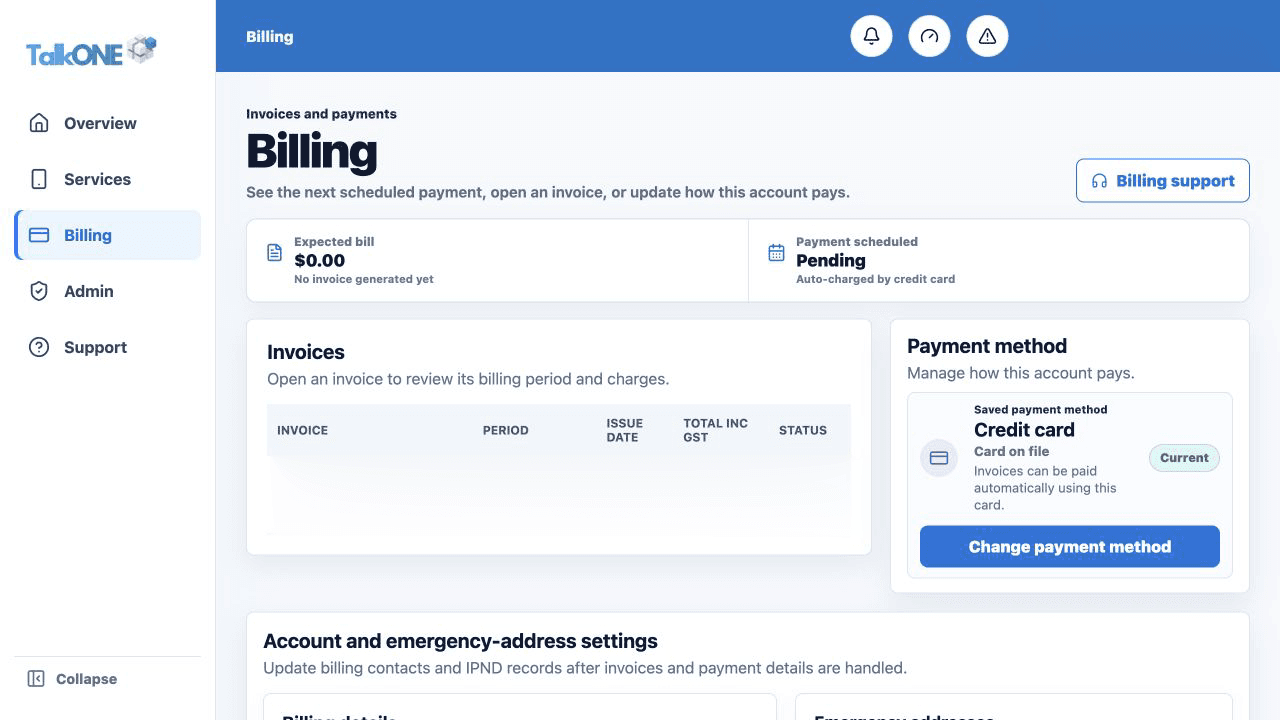
Open Billing and follow the payment method prompt. Check the displayed account holder before confirming.
Use the highlighted Payment method on the Billing screen. Confirm the surrounding service or account details match before you continue.
Confirm your IPND record
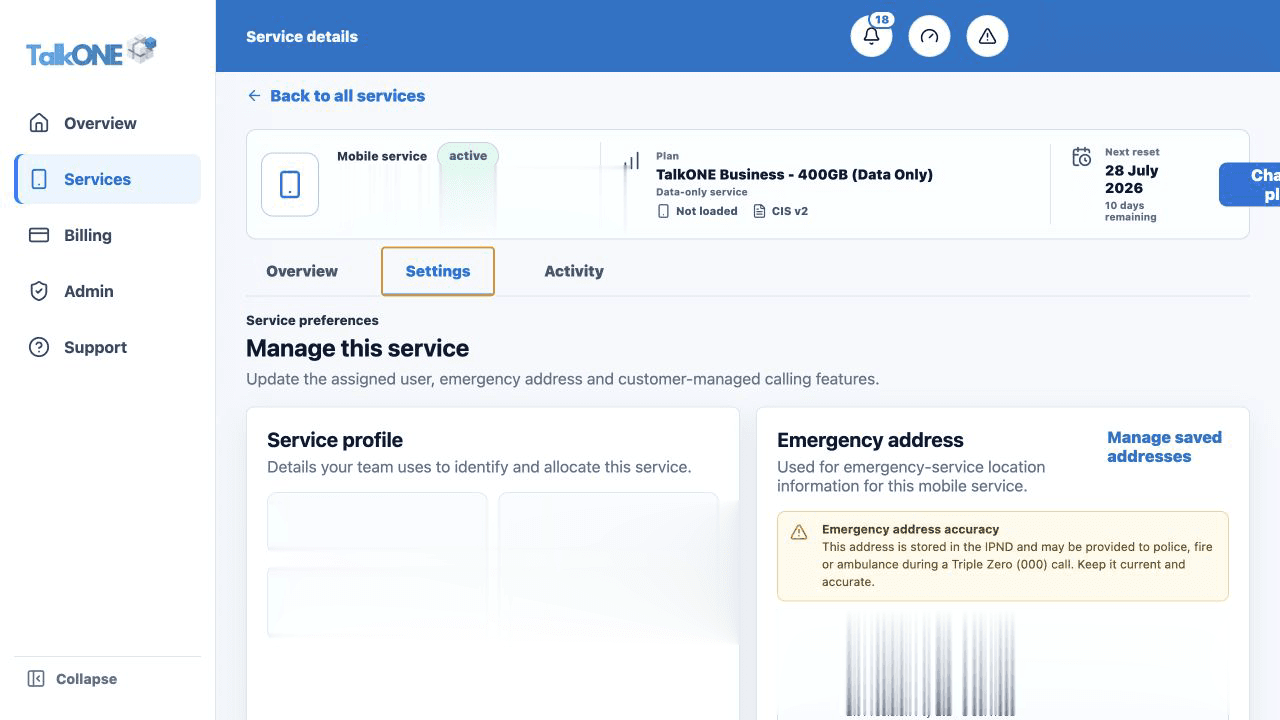
Check the saved emergency address. Use a real physical location where emergency responders could find the service user.
Use the highlighted Emergency address on the Service settings screen. Confirm the surrounding service or account details match before you continue.
Review notifications
Service, security and billing emails remain enabled. Confirm each message is going to a monitored inbox.
Use the highlighted notification delivery on the Account settings screen. Confirm the surrounding service or account details match before you continue.
Check your work
Settings shows current contacts and Billing shows a payment method ready for future invoices.